Syntax
Fallbacks Are Required
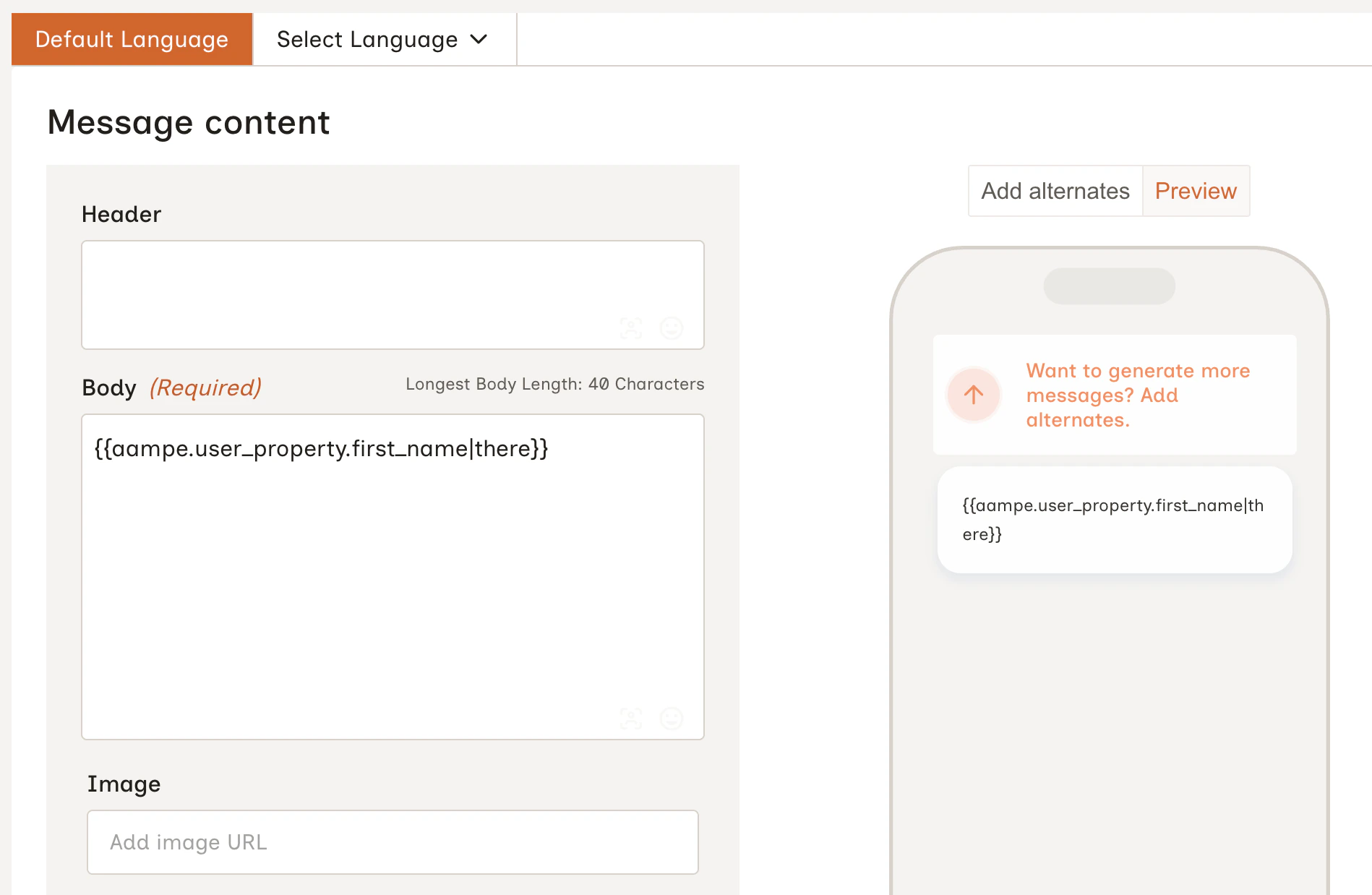
Every placeholder must include a fallback value. If a placeholder is written without one (e.g.{{aampe.user_property.first_name}}), it cannot be resolved and the message will not be delivered to that user.
Examples
Greeting with first name:Hello Sarah! if first_name is set, or Hello there! if it isn’t.
Subscription tier:
How Resolution Works
- Placeholders are resolved before the message is sent to your delivery provider.
- If the attribute exists and has a value (even
0,false, or an empty string) that value is used. The fallback is only triggered when the attribute isnullor absent entirely. - All resolved values are treated as strings in the final message content.
Using Your Delivery Provider’s Personalization Syntax
Your delivery provider may have its own syntax for personalizing messages. For example, Braze supports dynamically adding user attributes via Liquid. If your messaging provider supports referencing user attributes via the send API, you can include the syntax directly in the Aampe message builder.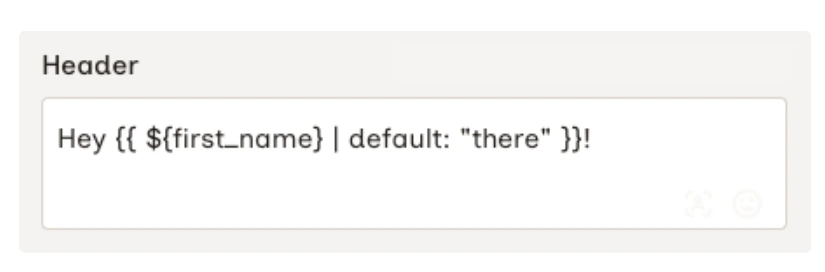
When using provider-native syntax alongside Aampe placeholders, Aampe resolves its own
{{aampe.user_property.*}} placeholders first. Your provider then processes its own templating when the message is delivered.Where to Find Your Attribute Names
The attribute names available to you are the user properties you send to Aampe via your data integration. You can find a reference list of common properties in the User Attributes guide, or check with your data or engineering team for the exact keys in your dataset.Using Personalization in a Message
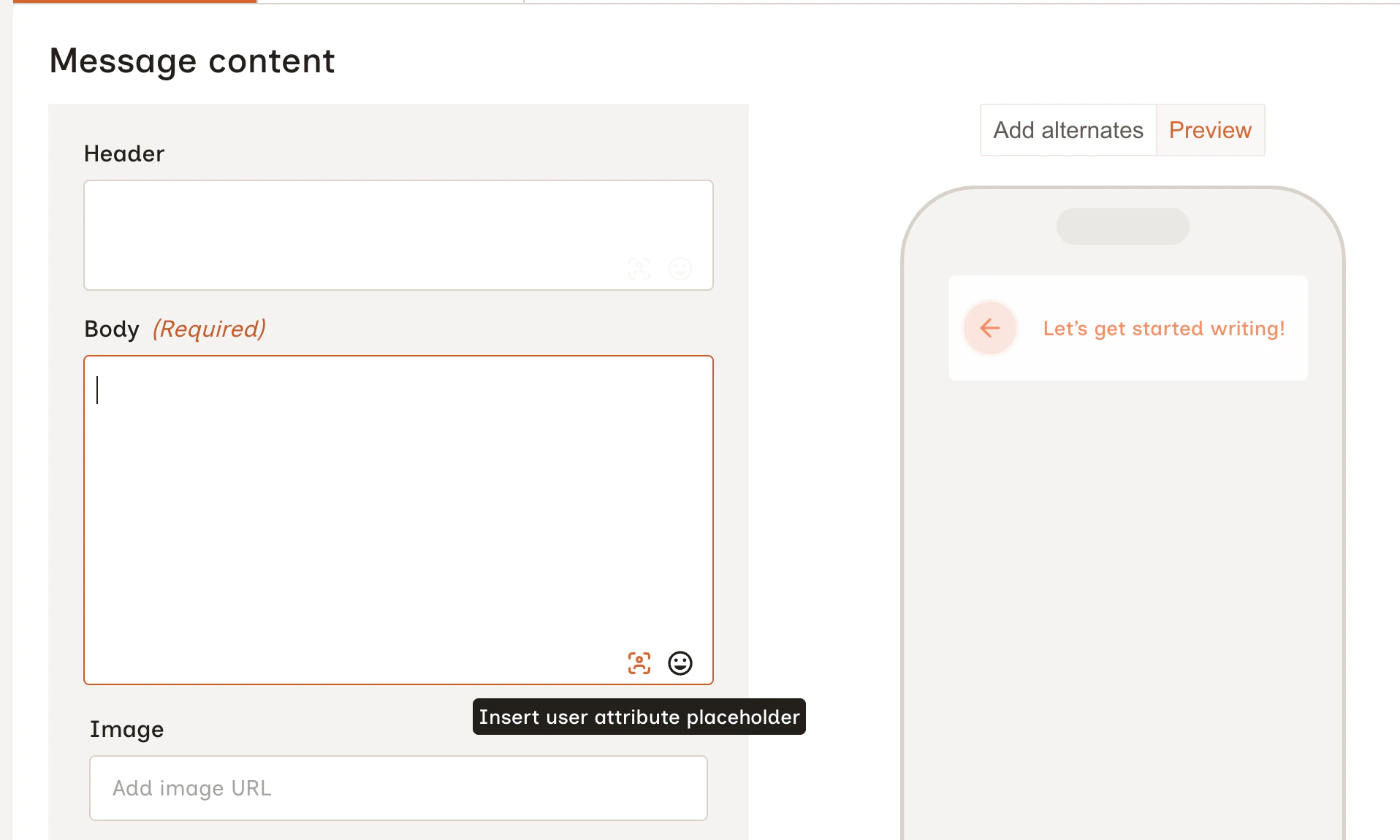
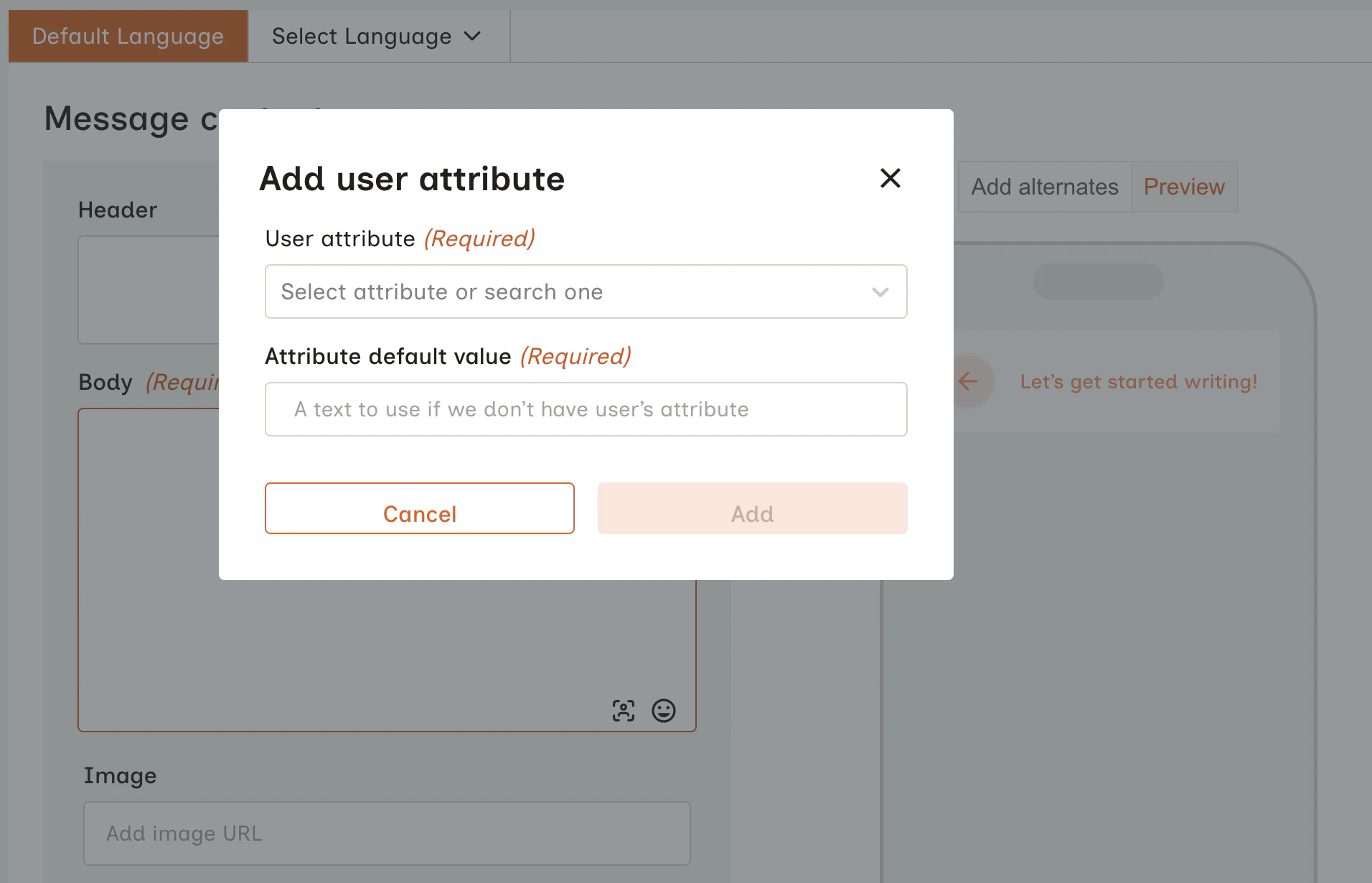
There are two ways to insert a placeholder into your message: Option 1: Insert User Attribute button (recommended) Click the Insert user attribute placeholder button in the bottom right of any message text field.