

-
In your Aurora DB Instance, create an Aampe user and password:

-
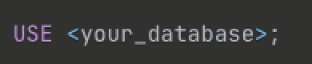
Navigate to the database where your data is stored:
-
Grant the Aampe user the following permissions:

-
Provide us with the following information:
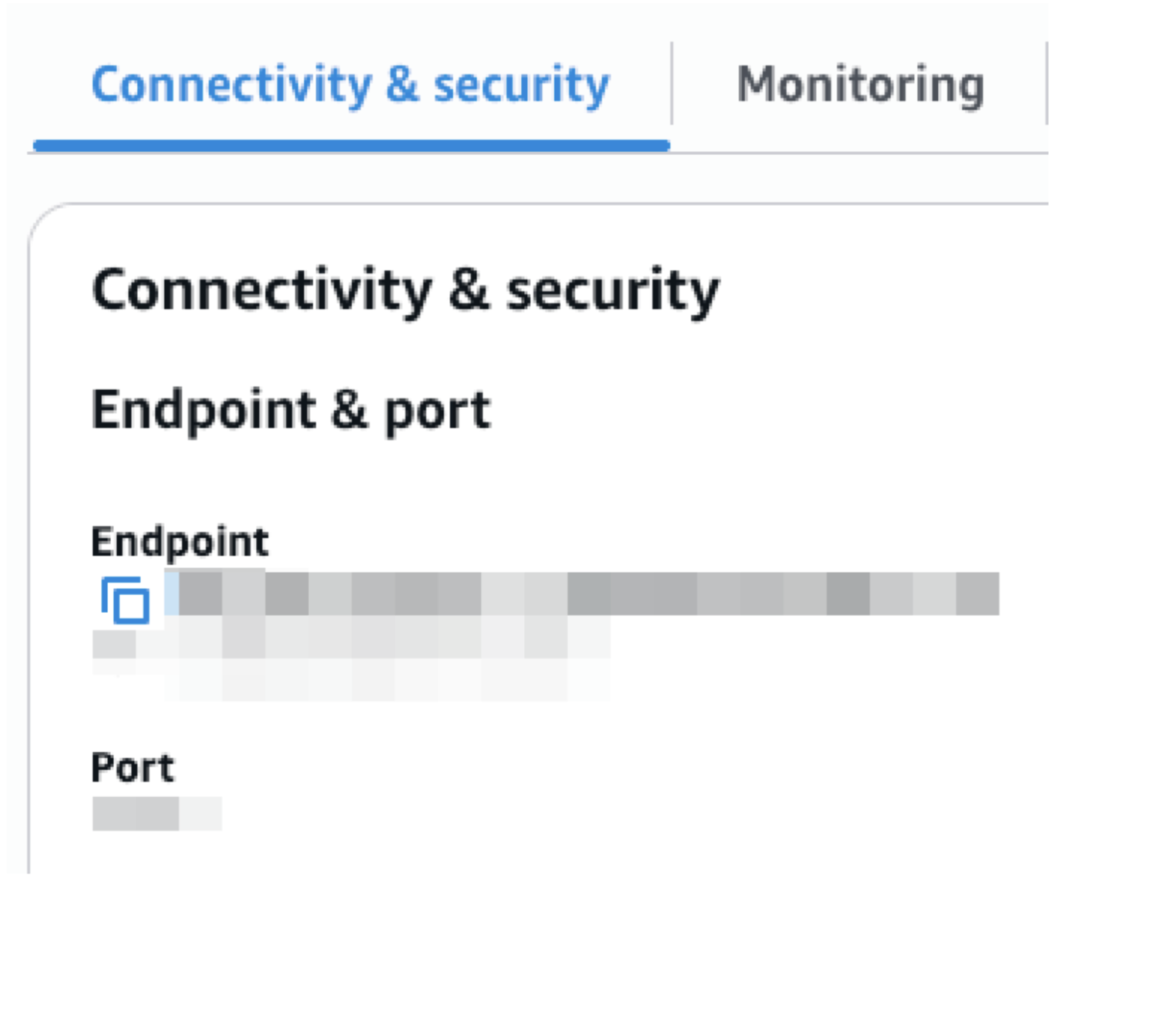
username (the username of the Aampe user you created)password (the password for this user)region (the region your Aurora DB Cluster is hosted in)endpoint (found in Connectivity & security, see screenshot below)port (found in Connectivity & security, see screenshot below)database name (the database schema where your event/user data tables are located)tables (the tables containing your event/user data)
- Finally, in Aurora add the IP addresses provided by Aampe to your DB Instance Security Group Inbound and Outbound rules. We will send you the IPs.
AWS Aurora
Instruction to connect Aampe to your Aurora instance
AWS Aurora Integration Steps