> ## Documentation Index
> Fetch the complete documentation index at: https://kb.aampe.com/llms.txt
> Use this file to discover all available pages before exploring further.
# Aampe Surface Creator
> Connect Aampe with all your creative assets in Figma
If your team uses Figma, the [Aampe Surface Creator](https://www.figma.com/community/plugin/1520139378515460963/aampe-surface-creator) plugin can help you quickly extract page components and prepare them for integration.
Within Figma, select `Actions > Plugins & Widgets` and find the **Aampe Surface Creator.**
After opening the Aampe Surface Creator, you'll be prompted to sign in to your Aampe account. Sign in and follow the Surface Creator prompts.
* Select your Frame
* Choose which Frame elements you wish to include in your Surface
* After selecting your components and assigning types and names, you can export the list to Aampe in a single click (**Add to Aampe**).
This will generate a template in Aampe with all the necessary fields, ready for your specific messages and all their variants.
## Aampe Surface Creator (Figma) FAQs
~~Currently, the Aampe Surface Creator sends only creates a surfaces template within Aampe. It does not pull Aampe content into Figma.~~
Yes! The Aampe Surface Creator can now push Figma elements into an Aampe template, and also pull content from Aampe to see how it different variants render.
At the moment, the Aampe Surface Creator only creates templates for surfaces.
No. You can use the Aampe Surface Creator on [Figma's free tier](https://www.figma.com/pricing/).
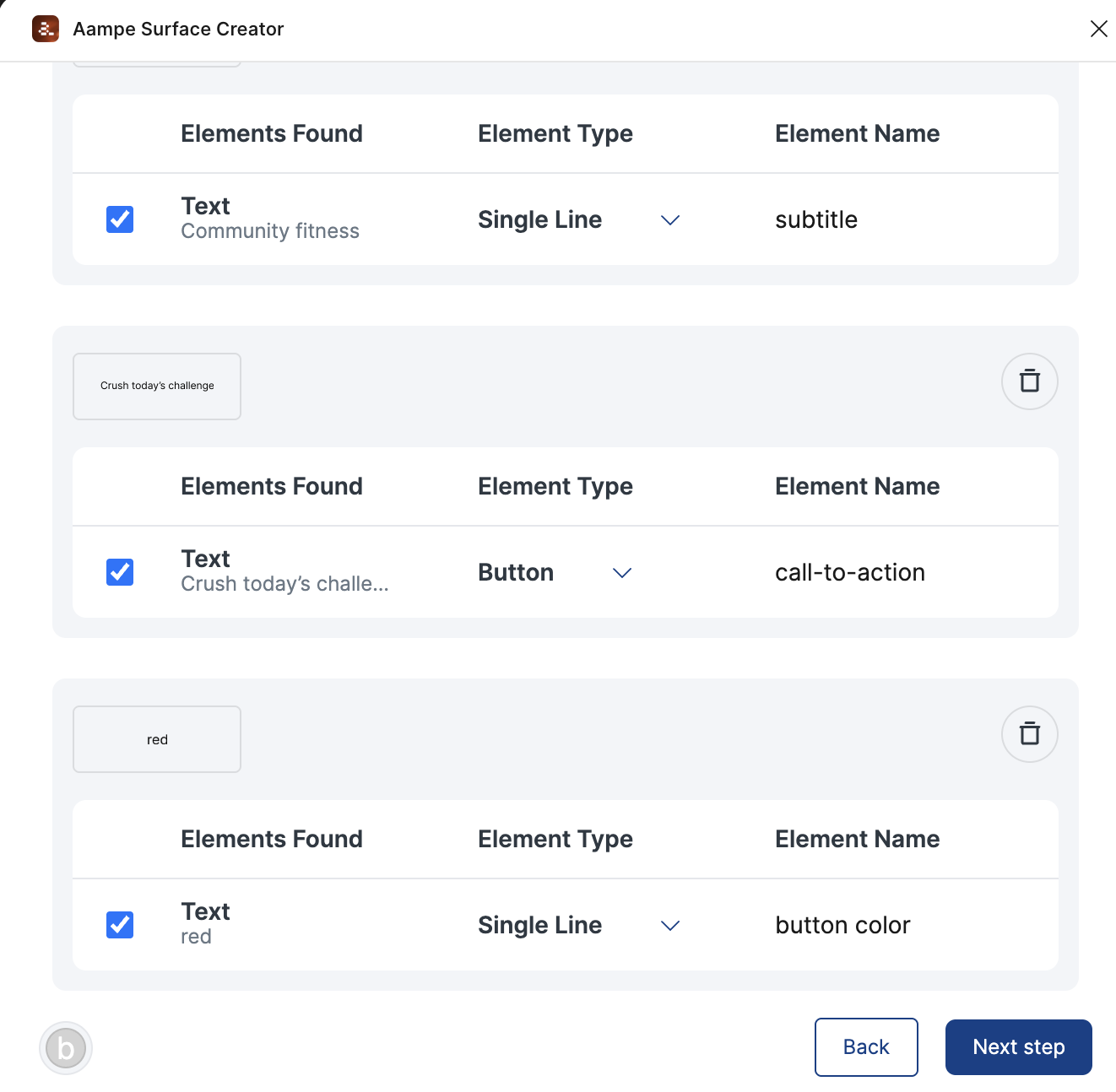 * After selecting your components and assigning types and names, you can export the list to Aampe in a single click (**Add to Aampe**).
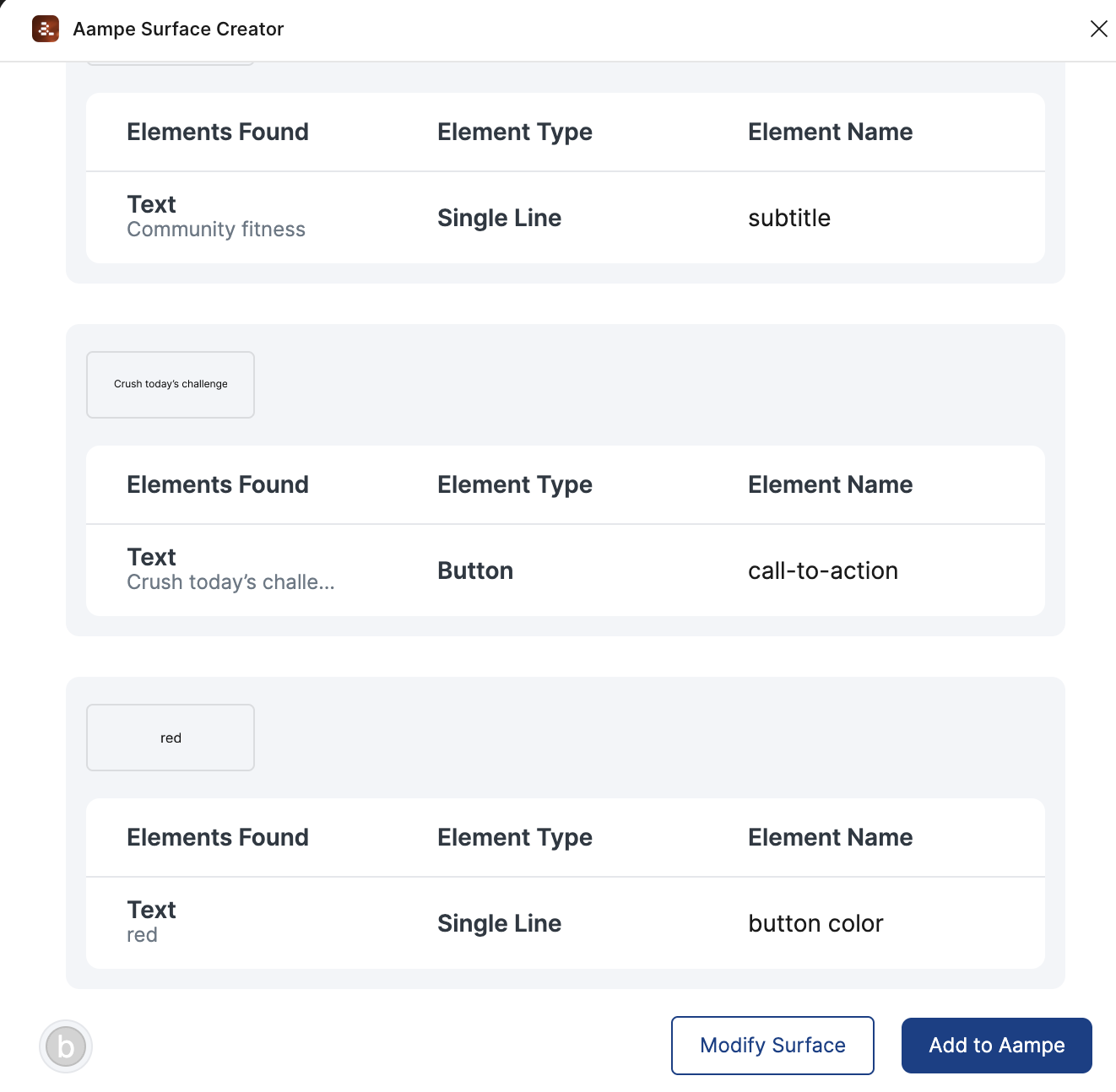 This will generate a template in Aampe with all the necessary fields, ready for your specific messages and all their variants.
## Aampe Surface Creator (Figma) FAQs
This will generate a template in Aampe with all the necessary fields, ready for your specific messages and all their variants.
## Aampe Surface Creator (Figma) FAQs