> ## Documentation Index
> Fetch the complete documentation index at: https://kb.aampe.com/llms.txt
> Use this file to discover all available pages before exploring further.
# AWS Aurora
> Instruction to connect Aampe to your Aurora instance
**AWS Aurora Integration Steps**
1. In your Aurora DB Instance, create an Aampe user and password:
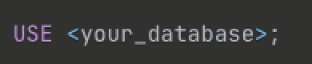
 2. Navigate to the database where your data is stored:
 3. Grant the Aampe user the following permissions:
 4. Provide us with the following information:
* `username (the username of the Aampe user you created)`
* `password (the password for this user)`
* `region (the region your Aurora DB Cluster is hosted in)`
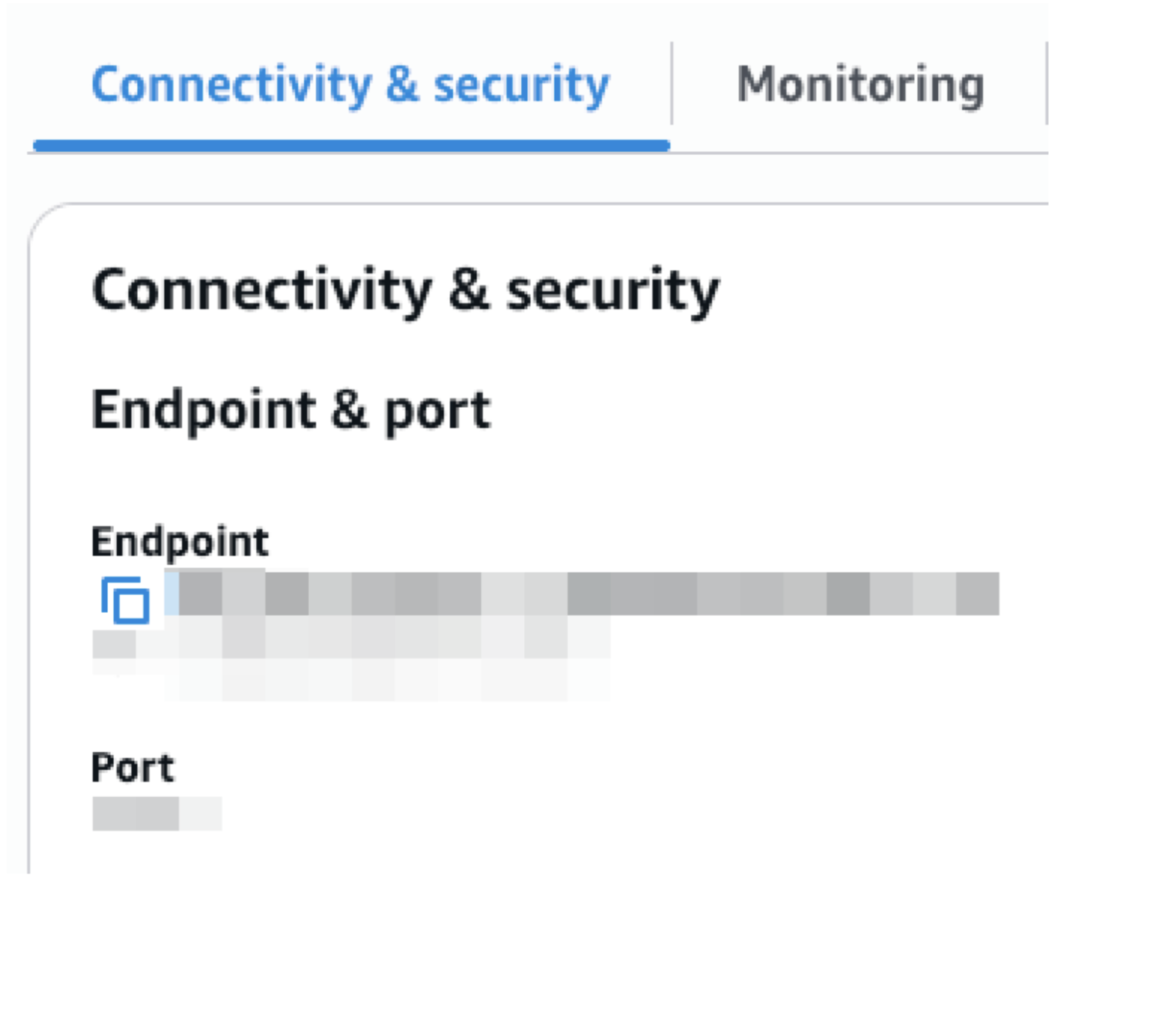
* `endpoint (found in Connectivity & security, see screenshot below)`
* `port (found in Connectivity & security, see screenshot below)`
* `database name (the database schema where your event/user data tables are located)`
* `tables (the tables containing your event/user data)`
4. Provide us with the following information:
* `username (the username of the Aampe user you created)`
* `password (the password for this user)`
* `region (the region your Aurora DB Cluster is hosted in)`
* `endpoint (found in Connectivity & security, see screenshot below)`
* `port (found in Connectivity & security, see screenshot below)`
* `database name (the database schema where your event/user data tables are located)`
* `tables (the tables containing your event/user data)`
 5. Finally, in Aurora add the IP addresses provided by Aampe to your DB Instance Security Group Inbound and Outbound rules. We will send you the IPs.